- A running balance on every row
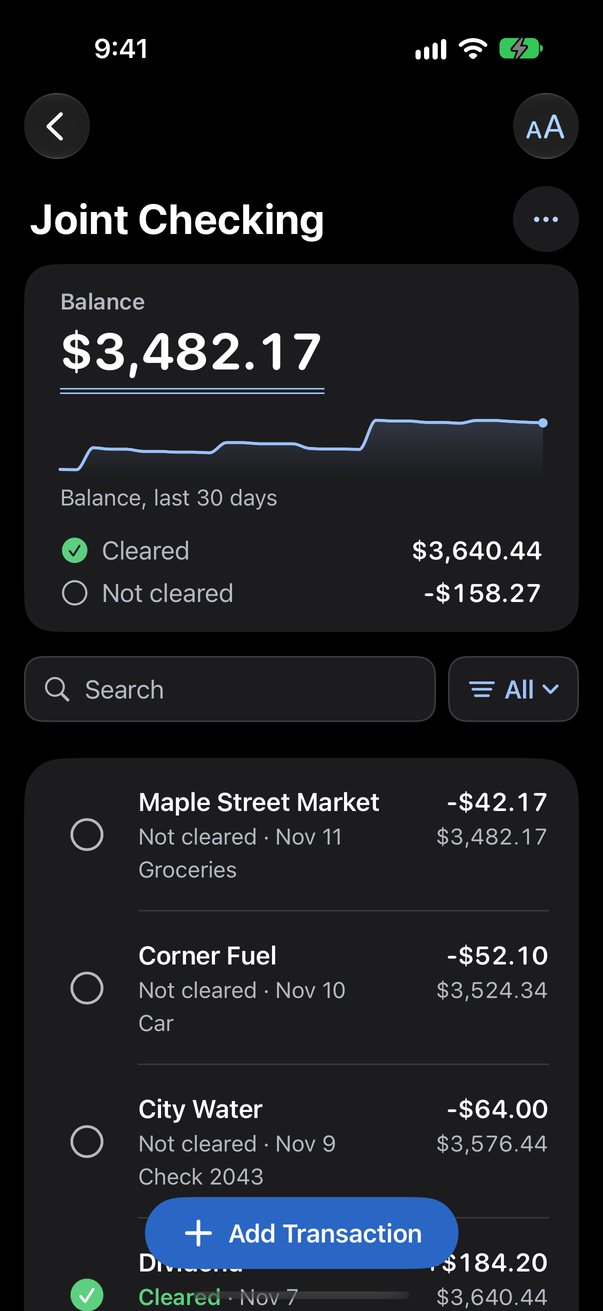
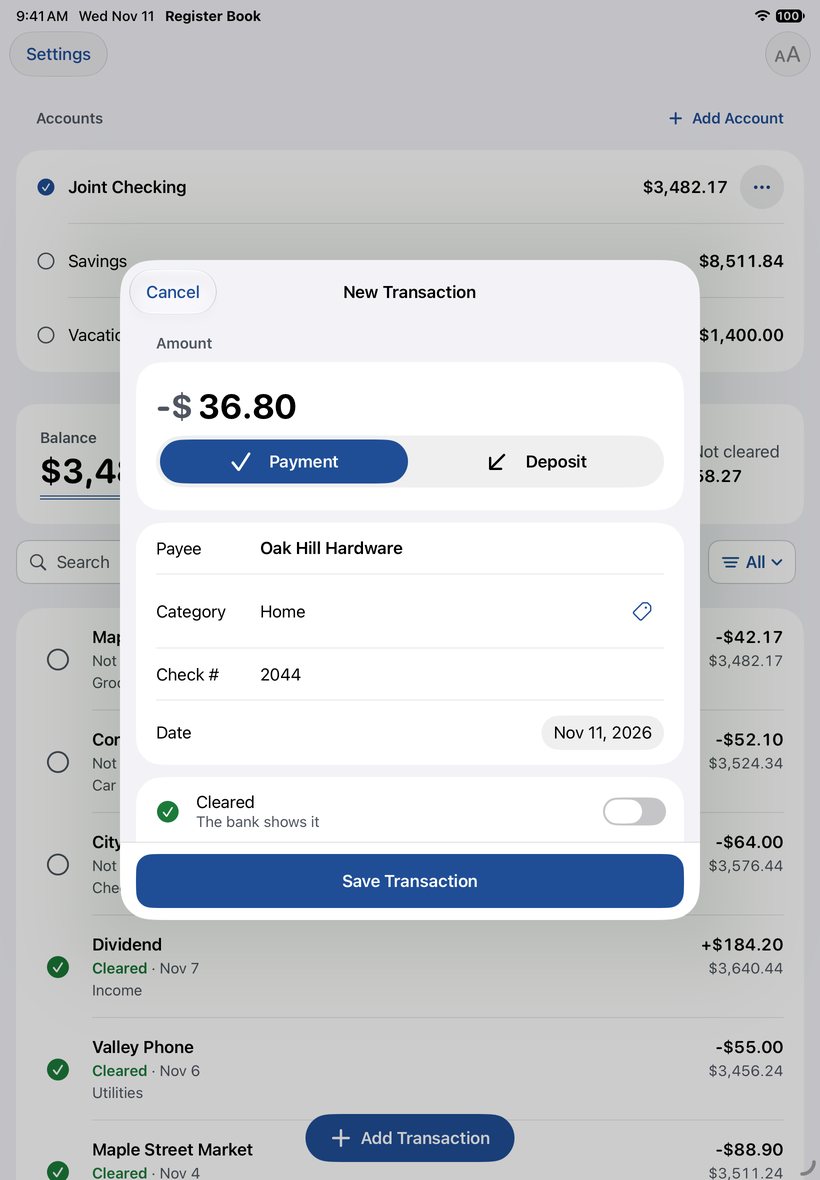
- Every row shows the balance after it. Amounts are stored as whole cents, so the math is exact to the penny.
- Bring your old register with you
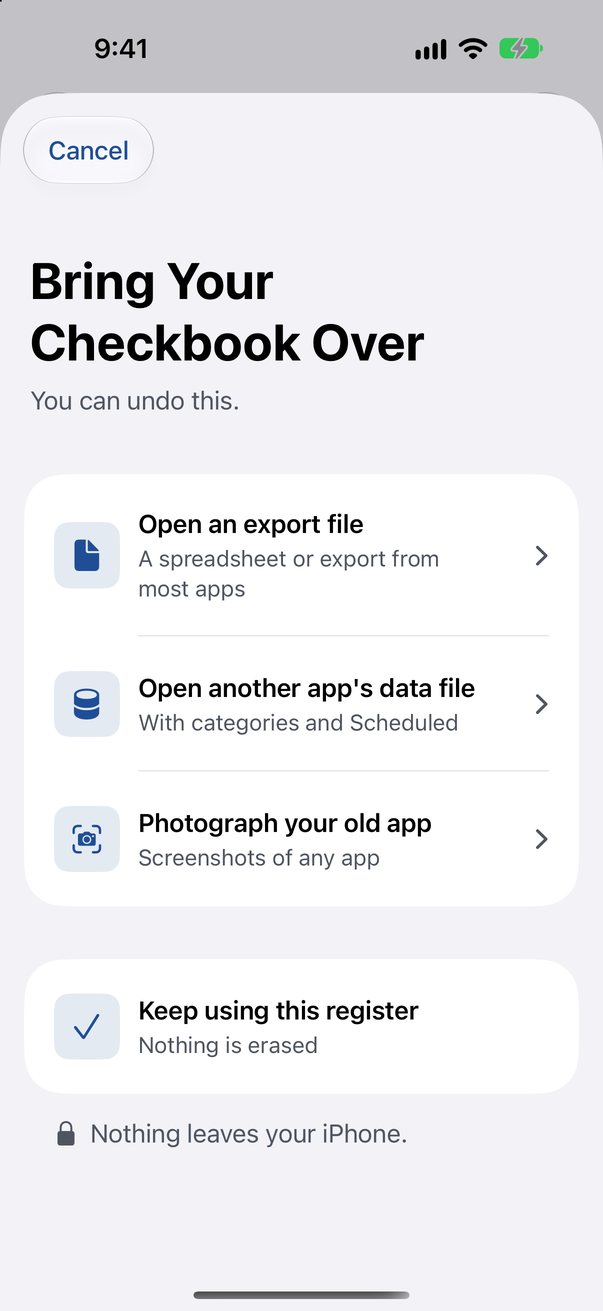
- Open an export file (CSV or QIF) from another checkbook app. Or take screenshots of the old app: Register Book reads the rows on your device, and you check them before they are saved.
- A layout for each device
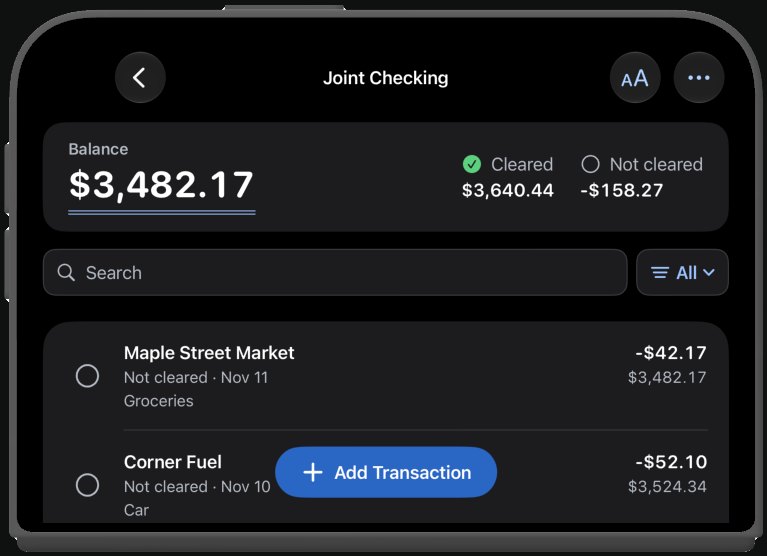
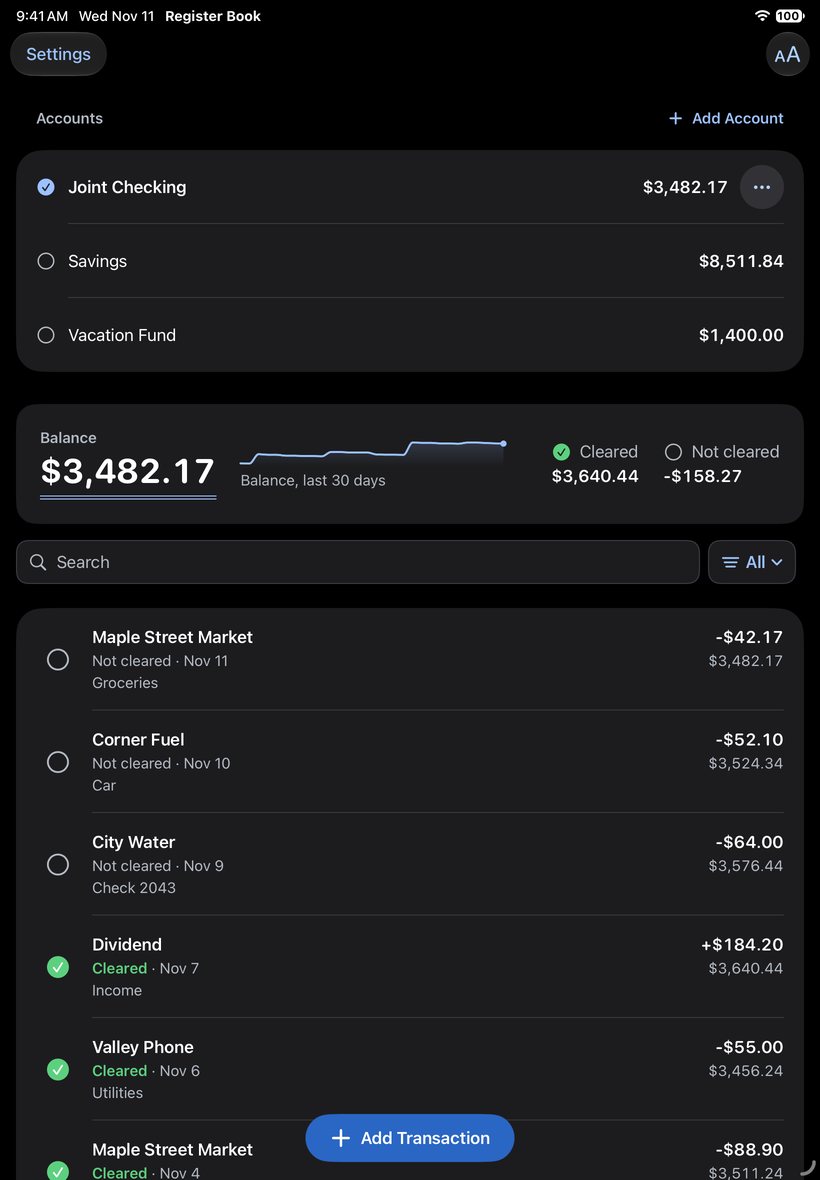
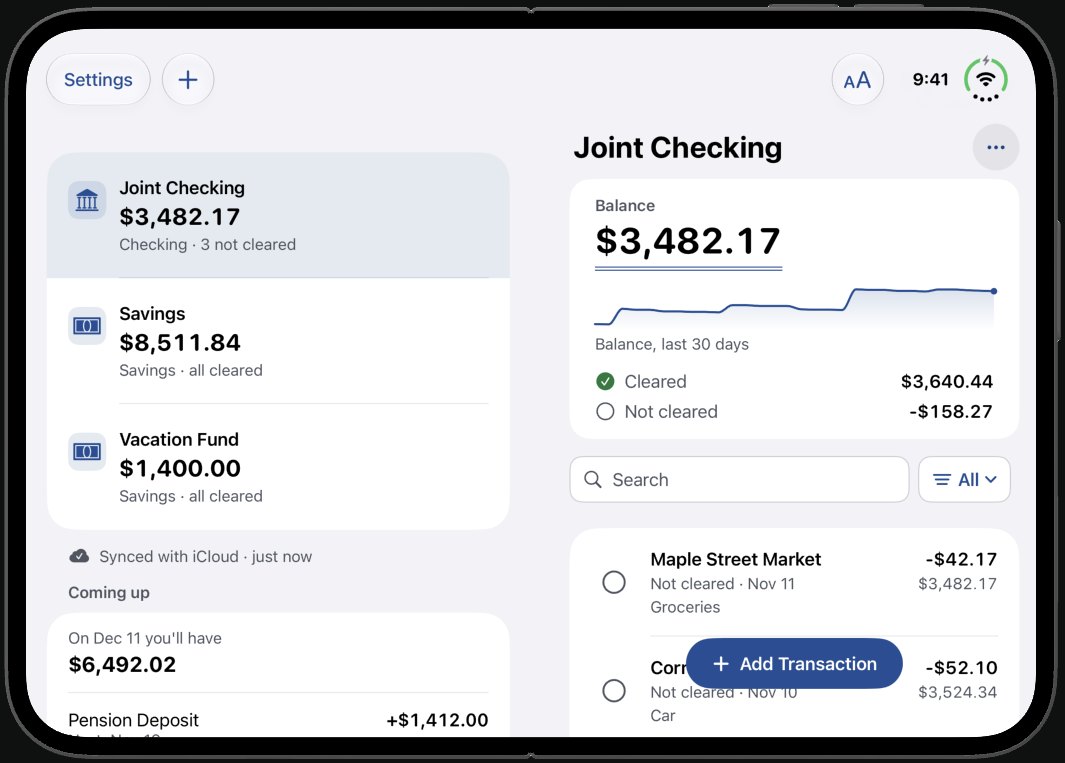
- On iPad, your accounts and the register share one screen. On an open iPhone Duo, they sit side by side. On iPhone and on a closed iPhone Duo, the register has the whole screen.
- Add an entry with Siri
- Say “Write a check in Register Book” or “Log a payment in Register Book”, or use a shortcut. The entry is saved with the app closed. Siri can also tell you your balance. If the app’s lock is on, Siri asks you to open the app.
- Your balance on the Home Screen
- A widget for the Home Screen and the Lock Screen shows the balance of your first account. The larger sizes also show the next scheduled items. If the app’s lock is on, the widget shows no amounts.
- Your records stay yours
- Your register is stored on your device and in your own iCloud. A backup file is saved every day, where you can see it. Export an account as a CSV or QIF file whenever you like.
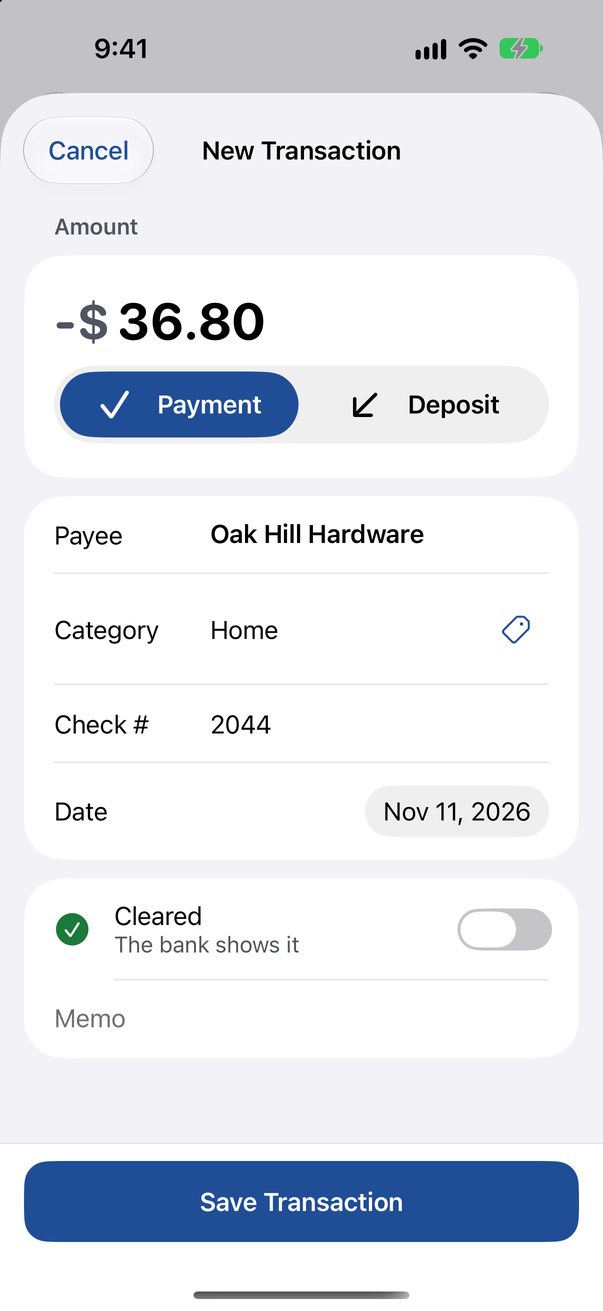
- Know what has cleared
- Mark each item when the bank posts it. See your balance, your cleared balance and what is still outstanding.
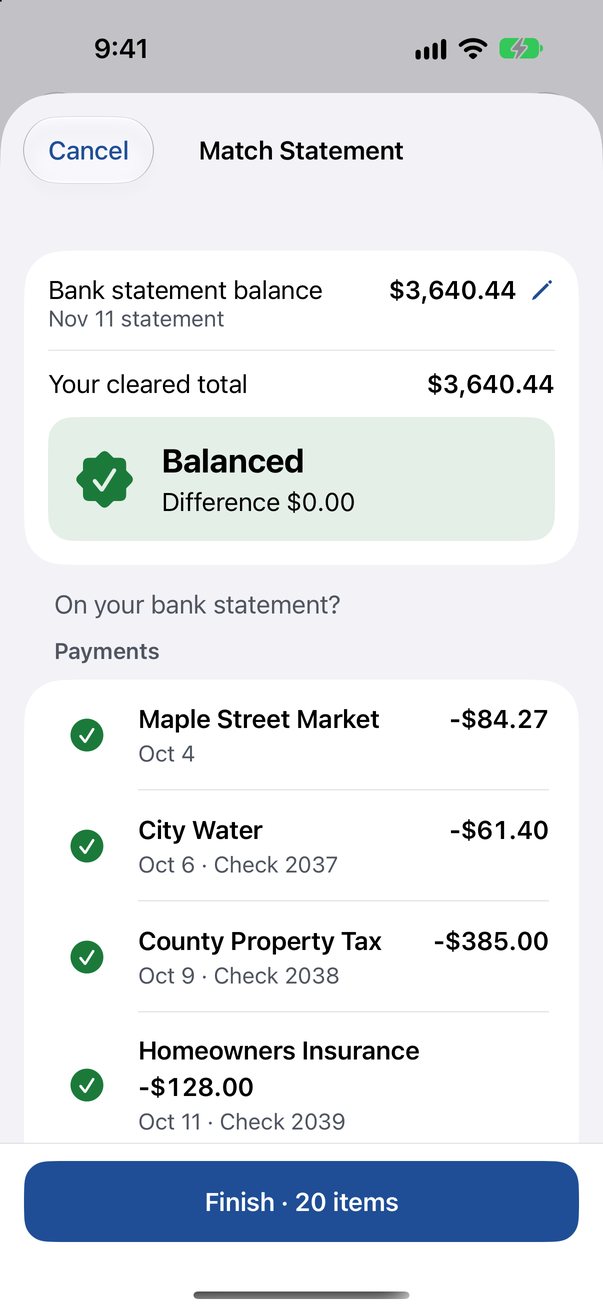
- Match your statement
- Enter the statement balance, tick off the items, and watch the difference reach zero.
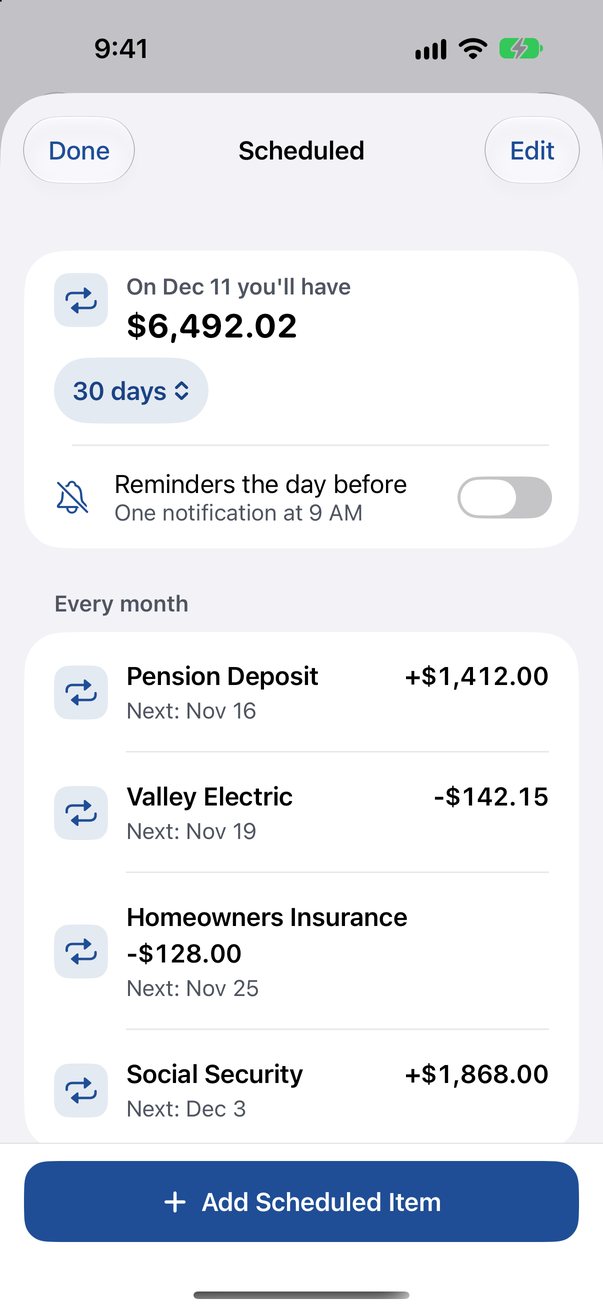
- Scheduled bills and deposits
- Set up payments and deposits that repeat. They post on the day they are due. See what your balance will be over the next 30, 60 or 90 days. A reminder can arrive the day before.
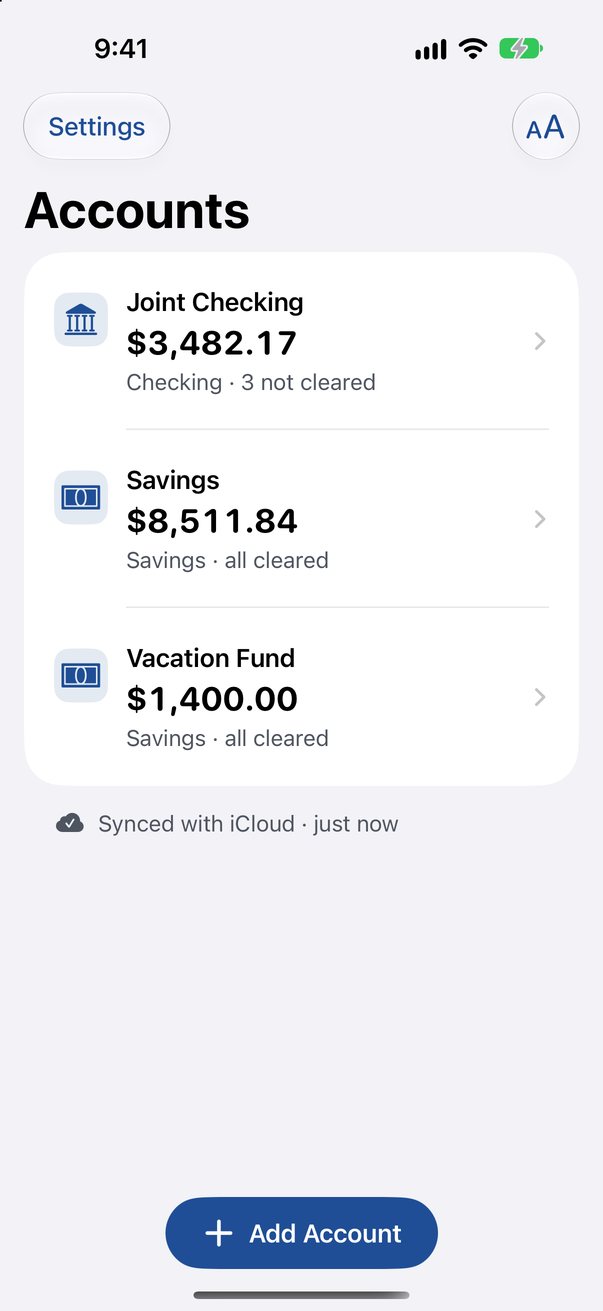
- More than one account
- Keep checking, savings and other accounts in one place, each with its own balance. Move money between them with a transfer.
- See where the money went
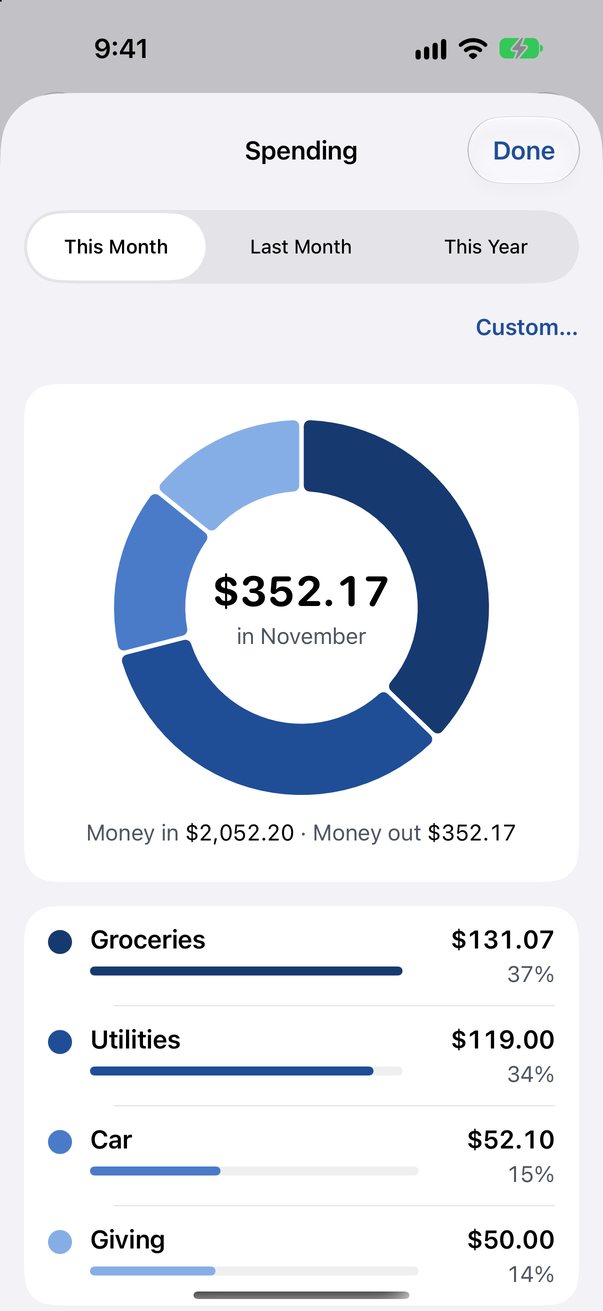
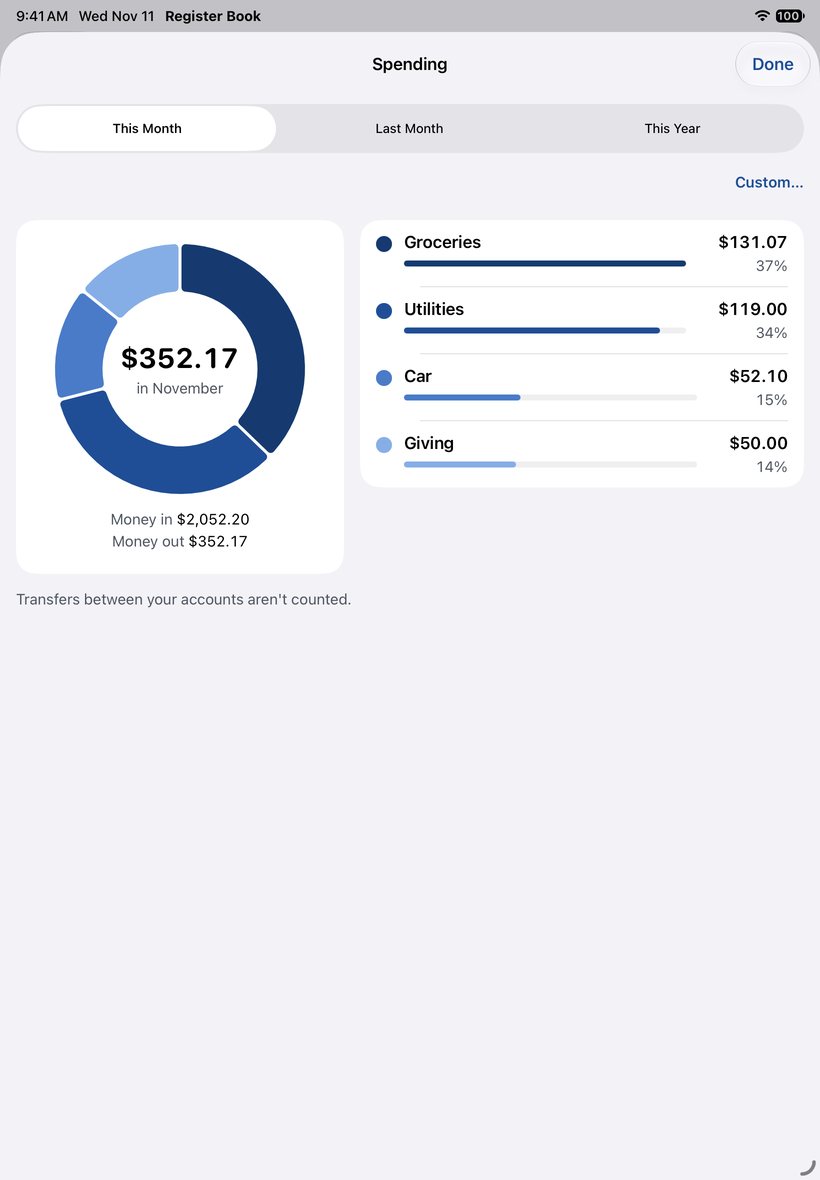
- Spending by category, for this month, last month, this year, or the dates you choose. Use the categories in the app, or make your own.
- Find any entry
- Search by payee, amount, check number or memo. Show all items, only cleared ones, or only those not cleared.
- Text you can read
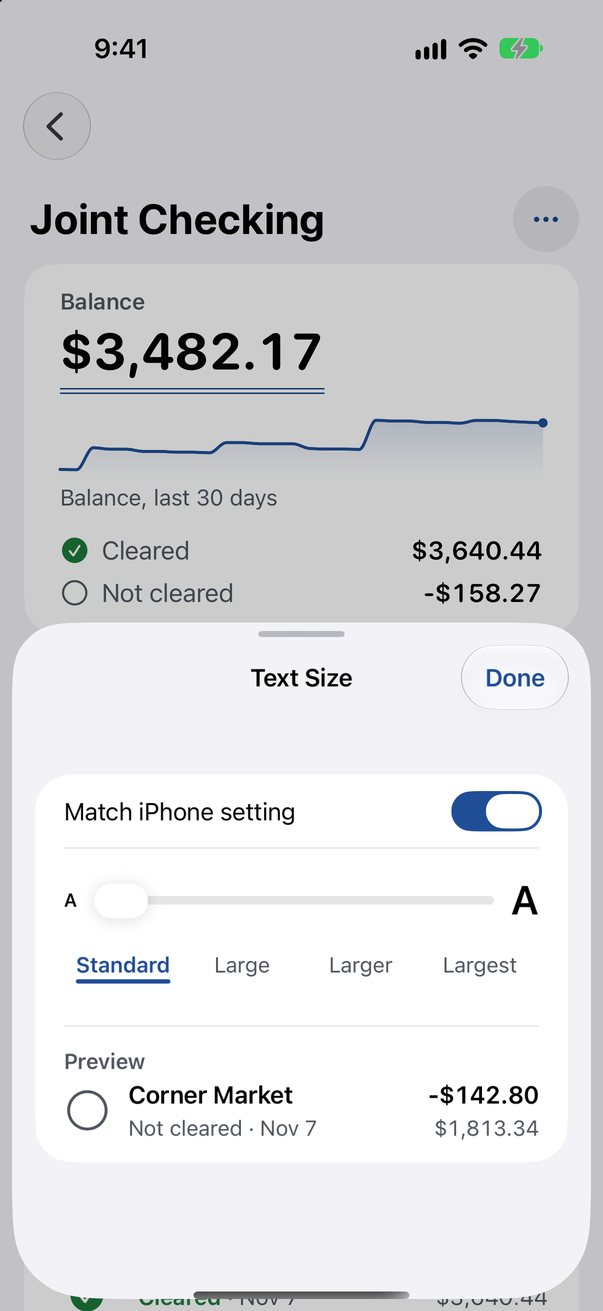
- Four text sizes, from Standard to Largest, or the size set on your device. Light and dark mode.
- Check numbers that count for you
- When you write a check, the next number is offered. You type the amount and the payee.
- Locked with Face ID
- Turn on the lock, and the app opens only for you. Siri and the widget then keep your balance to themselves.